Table of Contents
1. Introduction
2. Why use AI tools to create images?
- The impact of artificial intelligence on visual design
- Data and figures of the AI-driven creative market
3. Criteria for choosing the best AI tool for images
4. Top 10 best AI tools to create images
- 1. DALL·E 2 (OpenAI)
- 2. MidJourney
- 3. Stable Diffusion
- 4. DeepAI
- 5. Fotor AI Image Generator
- 6. Canva with integrated AI
- 7. Jasper Art
- 8. Nano Banana
- 9. Envato Elements (with integrated AI)
- 10. Adobe Firefly
5. Practical use cases of these tools
- Digital marketing
- Social media
- Advertising and branding
- E-commerce
6. Challenges and limitations of using AI in image creation
7. The future of artificial intelligence in graphic design
8. Frequently Asked Questions (FAQs)
9. Conclusion
1. Introduction
Artificial intelligence (AI) has revolutionized the way we create and consume digital content. Nowadays, there are AI tools for creating images that allow generating illustrations, hyperrealistic photographs, and graphic designs simply by typing a text instruction.
The AI-generated visual content market has grown exponentially. According to a report by MarketsandMarkets, the global artificial intelligence market applied to design and creativity will exceed 5 billion dollars by 2030, driven by the demand for personalization and efficiency in digital marketing.
If you are a marketer, designer, copywriter, content creator, or entrepreneur, you need to know which are the best AI tools to transform your ideas into striking images.
In this article, we will explore the 10 best AI tools for creating images, their features, advantages, limitations, and real-world applications in marketing and communication.
Why use AI tools to create images?
The impact of artificial intelligence on visual design
Traditional graphic design requires technical knowledge and professional tools like Photoshop or Illustrator. However, with the arrival of AI, it is now possible to create professional-quality images in seconds, without the need for advanced training.
With these tools, you just need to write a prompt (text instruction) like: “A futuristic landscape with floating skyscrapers at sunset” to get amazing and ready-to-use results for digital campaigns, presentations, or social media.
Data and figures from the AI-driven creative market
-
80% of marketing companies already use some type of AI tool in their strategies, according to HubSpot 2023.
-
Visual content created with AI increases the social media engagement rate by 25% compared to generic stock images.
-
Platforms like Canva have reported over 60 million users already integrating AI features into their design workflows.
The conclusion is clear: AI is not the future, but the present of visual design.
Criteria for choosing the best AI tool for images
Before selecting a tool, consider the following aspects:
-
Ease of use: intuitive interface and simple options.
-
Image Quality: realism, sharpness, and style tailored to your needs.
-
Generation Speed: fast response times.
-
Customization Options: adjustments in colors, styles, or formats.
-
Cost: free tools vs. premium plans.
-
License and Usage Rights: essential for commercial campaigns.
Top 10 Best AI Tools to Create Images
1. DALL·E 2 (OpenAI)
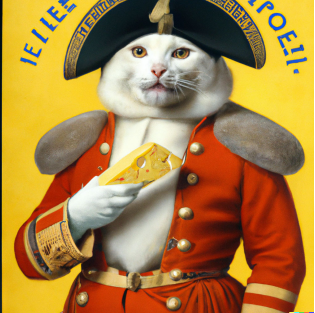
One of the pioneers in image generation from text, developed by OpenAI. It also offers hyperrealistic results and allows editing parts of the image (inpainting).
Advantages:
- High quality and realistic images.
- Ability to edit and replace parts of the image.
- Integration with ChatGPT for advanced prompts.
Disadvantages:
- Has limits on the number of free images.
- The style may be less artistic compared to tools like MidJourney.
- Requires a stable connection and registration on the platform.
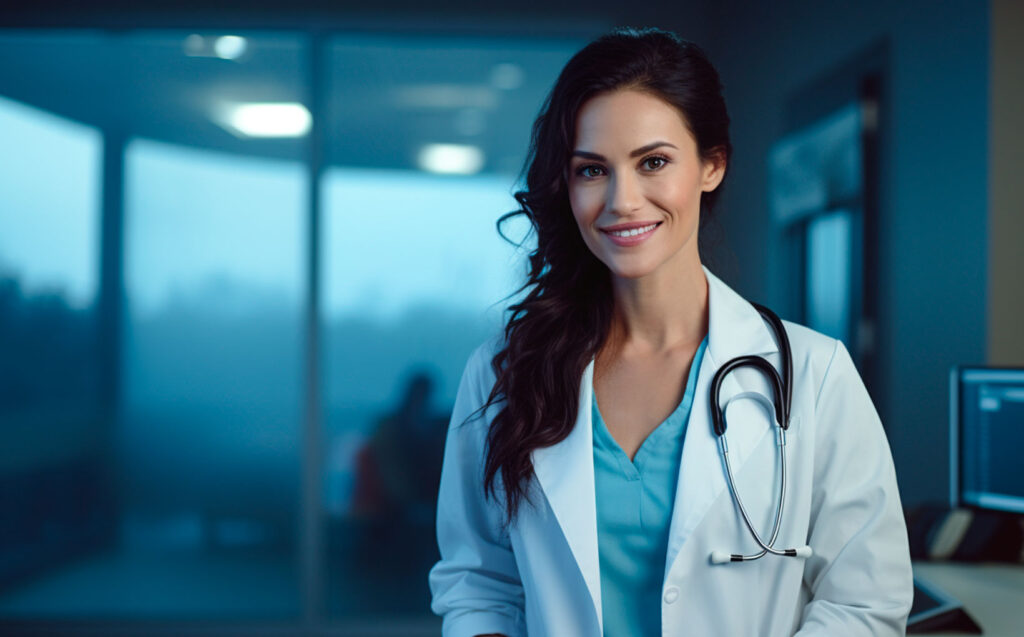
2. MidJourney
Very popular among digital artists and creatives. Accessed through Discord and generates highly aesthetic and detailed results.
Advantages:
- Very artistic and attractive visual styles.
- Large community sharing prompts and inspiration.
- Very consistent results in illustrations and creative concepts.
Disadvantages:
- Not very intuitive for beginners (operates via Discord).
- The free version has a very limited image quota.
- Less flexible for hyperrealistic uses.
What are effective prompts and how to create them for my brand?
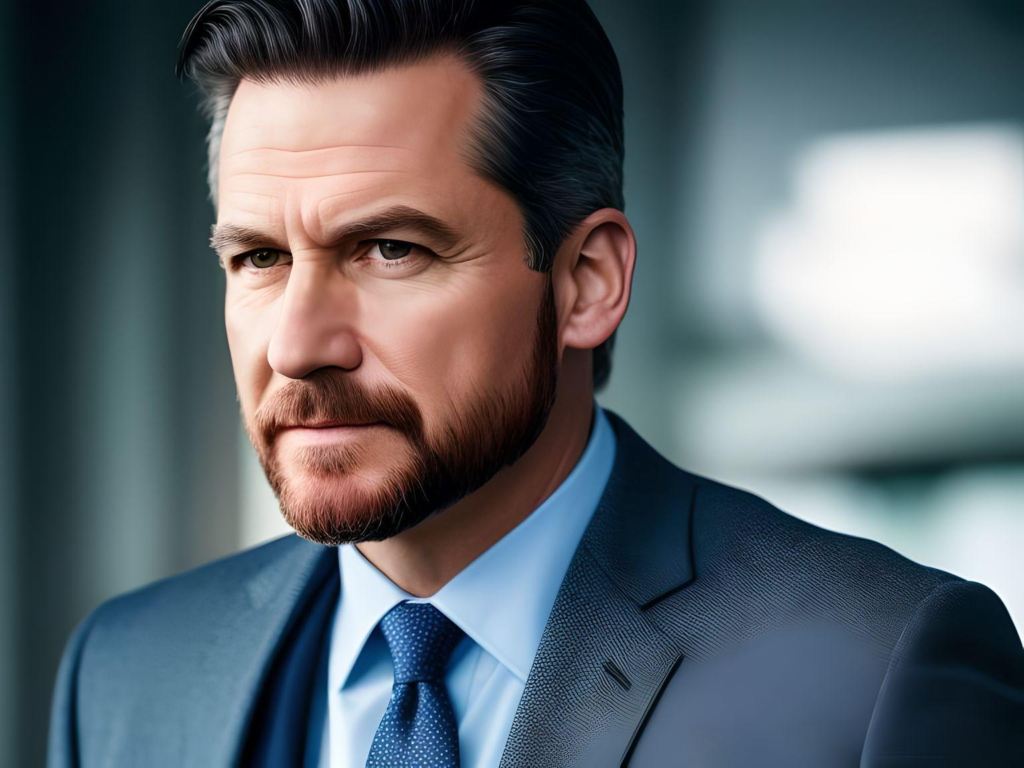
3. Stable Diffusion
One of the most versatile and open source tools. It can be used online or installed on your computer for greater control.
Advantages:
- Free and open source.
- Highly customizable, with dozens of extensions and plugins.
- Large support community and constant updates.
Disadvantages:
- Local installation requires powerful hardware.
- Steeper learning curve for advanced customization.
- Results can be inconsistent without a good prompt.
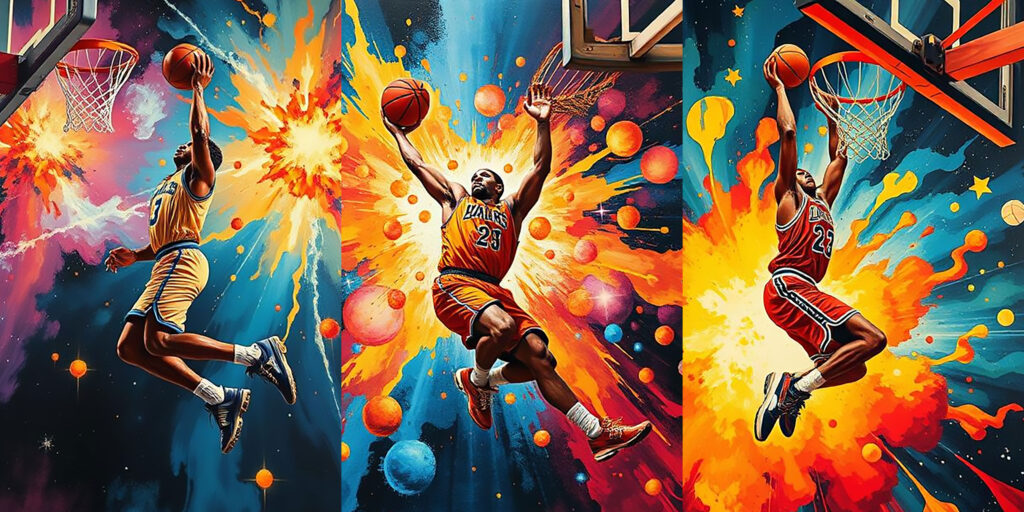
4. DeepAI
Accessible platform that allows fast AI image generation without the need for technical experience.
Advantages:
- Free and easy to use.
- Generates various styles (realistic, cartoon, illustration, etc.).
- Ideal for beginner users.
Disadvantages:
- Lower quality compared to DALL·E or MidJourney.
- Limited advanced customization.
- May take longer to process images.
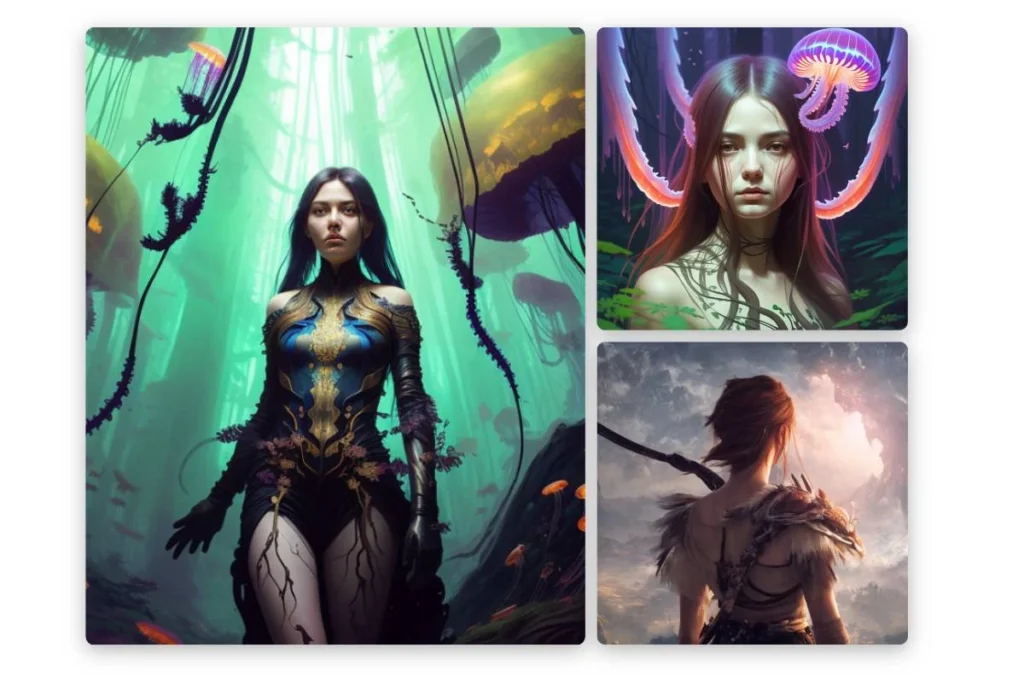
5. Fotor AI Image Generator
Ideal for easily creating and editing images by combining traditional and AI features.
Advantages:
- Very intuitive interface.
- Allows photo retouching and quick design.
- Integration with editing tools.
Disadvantages:
-
- Limited artistic results.
- Some premium features.
Medium quality in complex illustrations
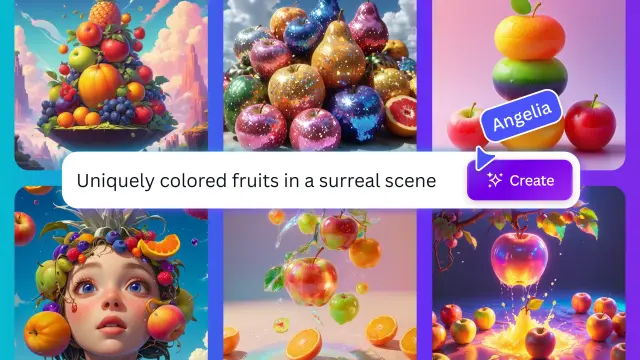
 6. Canva with built-in AI
Canva, popular among designers and marketers, introduced an AI image generator, natively integrated into its templates.
Advantages:
- Super easy to use, perfect for non-designers.
- Integration with presentations, posts, and templates.
- Large community and additional resources.
Disadvantages:
- Less realistic results compared to MidJourney or DALL·E.
- Style limitations (focuses on graphic content, not complex digital art).
- AI is only available on premium plans.
7. Jasper Art
Visual extension of Jasper AI, the famous text generator. It is also ideal for marketers and content creators.
Advantages:
- Direct integration with copywriting generated by Jasper.
- Ideal for digital marketing and SEO.
- Offers various visual styles.
Disadvantages:
- It is paid and lacks a robust free version.
- Fewer options than MidJourney or Stable Diffusion.
- Not very popular, so it has a smaller support community.
8. Nano Banana
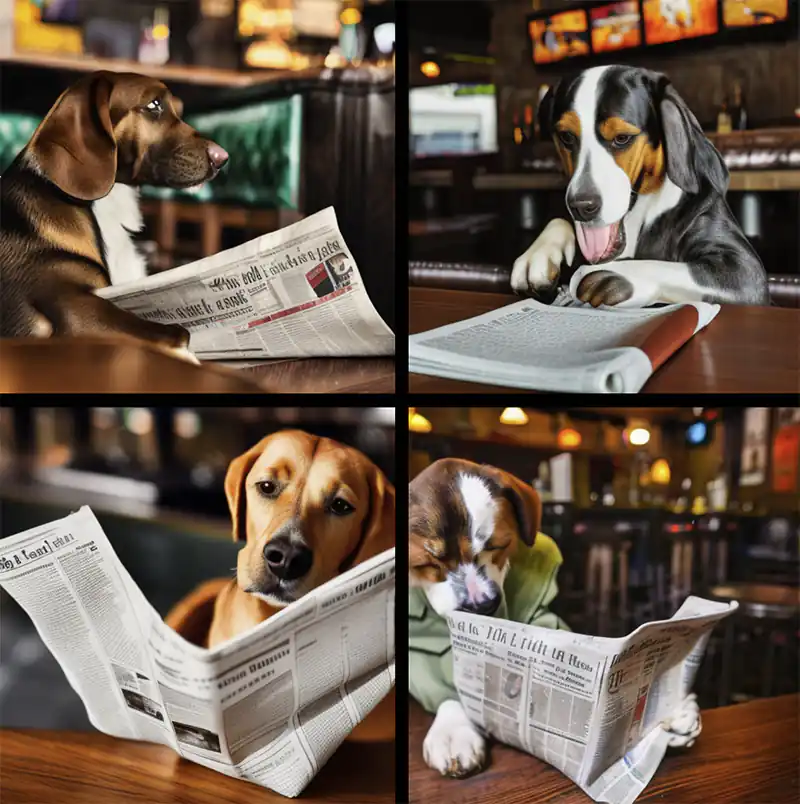
Nano Banana is an emerging AI tool based on open-source projects. It uses optimized deep learning models to generate minimalist and ultra-light artistic images from simple prompts. Its biggest appeal is its efficiency, producing images in seconds with low resource consumption.
Advantages:
- Lightweight, fast, and open source.
- Generate visually appealing results with simple prompts.
- Ideal for experimental, conceptual, or creative projects.
Disadvantages:
- Technical interface, requires basic programming knowledge.
9. Envato Elements (with integrated AI)
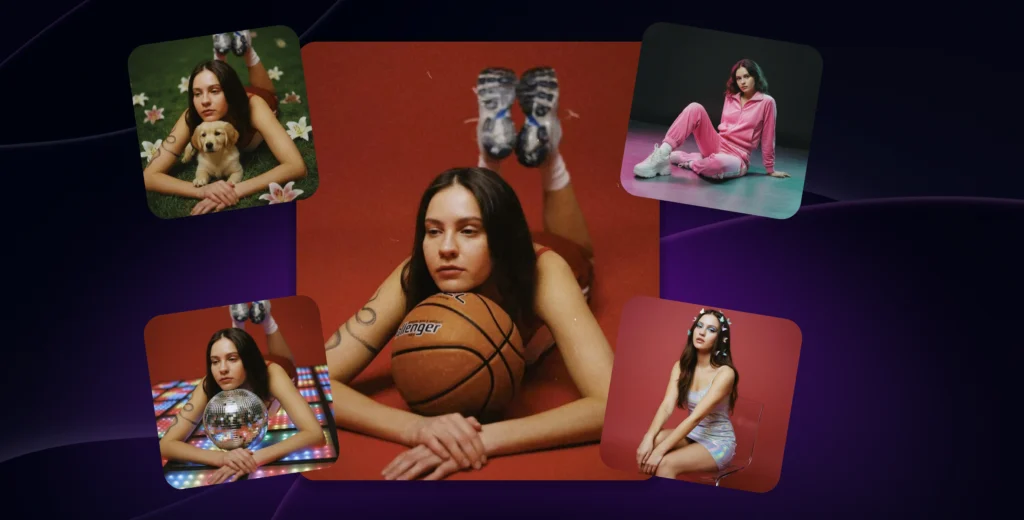
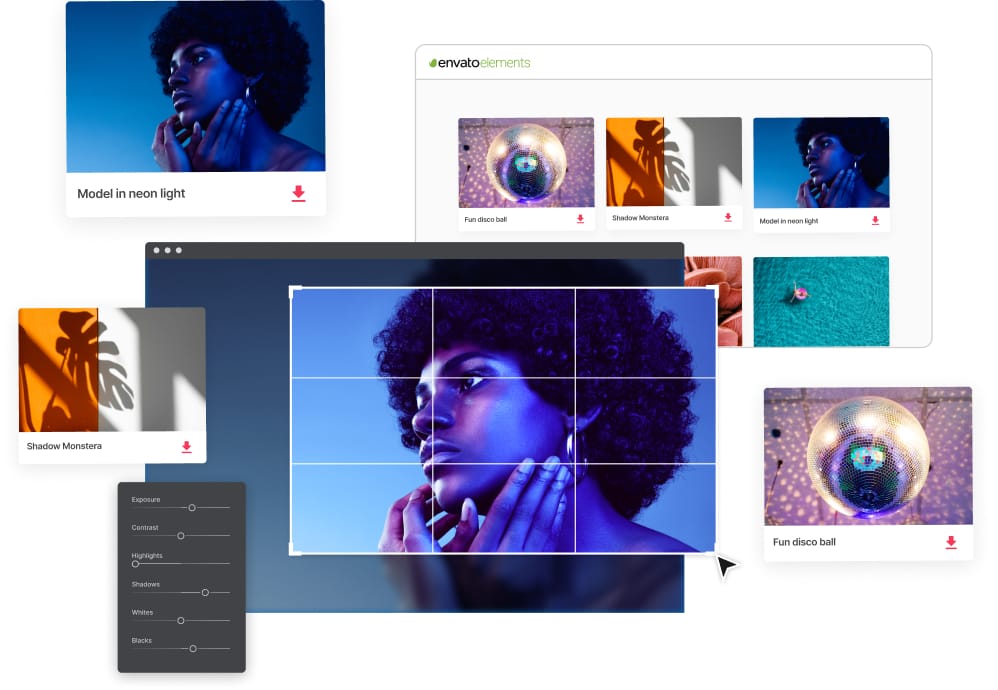
Envato Elements has incorporated artificial intelligence features into its creative asset platform. It now allows modifying existing images and photos with AI, adjusting color, framing, style, or background according to the user’s needs.
Advantages:
- Extensive library of professional images.
- Integrated AI that optimizes and customizes visual resources.
- Ideal for designers, advertisers, and content creators.
Disadvantages:
- Requires monthly or annual subscription.
- Customization depends on the available base content.
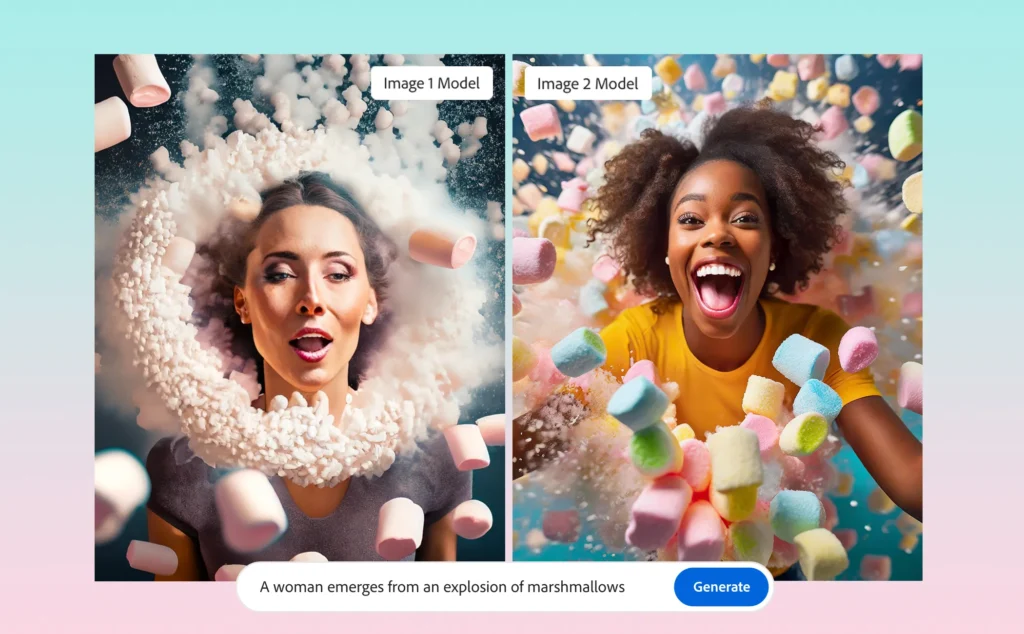
10. Adobe Firefly
Part of the Adobe Creative Cloud ecosystem, Firefly is one of the most powerful tools on the market. It allows you to generate and edit images directly from prompts or on existing Photoshop, Illustrator, and other Adobe app files.
Advantages:
- Full integration with Photoshop, Illustrator, and Premiere.
- Image generation and editing from text.
- Professional results with detailed control over color, light, and texture.
Disadvantages:
- Available only for Adobe Creative Cloud subscribers.
- Requires intermediate design knowledge.
Practical use cases for these tools
Digital marketing
Brands can create custom images for advertising campaigns without relying on traditional image banks.
Social Media
Community managers produce unique visual content that increases interaction and organic reach.
Advertising and Branding
Agencies design visual concepts in seconds to validate ideas with clients.
E-commerce
Online stores use AI to create product photographs without the need for costly photo shoots.
The Future of Mobile Marketing: Connecting with Consumers in the Digital Age
Challenges and Limitations of Using AI in Image Creation
Although AI is powerful, it still faces major challenges in 2025:
- Copyright: some images may be trained with protected material.
- Variable Quality: depends on the accuracy of the prompt.
- Ethics: misuse of artificially generated images is being debated.
The Future of Artificial Intelligence in Graphic Design
The future points to greater integration between AI tools and design platforms, allowing users to create personalized content tailored to their audience. However, AI is expected to become an essential ally for creatives and marketers, optimizing processes and democratizing visual creation.
Frequently Asked Questions (FAQs)
1. Are AI-generated images free to use?
It depends on the platform. Some allow free commercial use, while others require licenses or attributions.
2. How realistic can AI-generated images be?
Very realistic. Tools like DALL·E 2 or MidJourney can create images that look like authentic photographs.
3. Will AI replace graphic designers?
No, AI is just a support tool. Designers will still be needed for strategic creativity and project management.
4. Can these images be used in advertising campaigns?
Yes, as long as the licensing terms of each platform are respected.
5. What do I need to start using these tools?
Only one internet connection and a clear idea are important to write the prompt. However, some platforms require registration and payment plans.
What is the impact of Content Marketing on business growth?
In short
AI tools for creating images represent a radical change in how we design and communicate visually. From artistic illustrations to realistic photos, AI allows generating striking content in seconds, accessible both to design professionals and beginners.
In an increasingly digital and competitive world, leveraging these technologies is not optional but a strategic necessity to stand out in marketing, branding, and visual communication.
Each tool has its own focus: some prioritize quality and realism, others speed or accessibility. Therefore, the ideal choice depends on the goal:
-
If you are looking for artistic results → MidJourney, Dall·e 2 or Jasper Art.
-
If you need technical efficiency → Stable Diffusion, DeepAI, Runway or Nano Banana.
-
If you work in professional marketing or design → Canva, Envato Elements, or Adobe Firefly.
Ultimately, these tools represent the perfect balance between human creativity and technological innovation, marking a new era in graphic design and visual communication.
Don’t wait any longer to implement these strategies and take your business to the next level. Write to us, at Pixelpro we help you manage your social media.

Web Designer, Digital Marketing Consultant, and SEO Specialist with more than 20 years of experience delivering projects for the private, public, and education sectors.
I have extensive experience in the design, implementation, and optimization of websites, intranets, extranets, information systems, eCommerce platforms, eLearning solutions, and digital marketing campaigns. I excel at understanding client needs and providing strategic guidance on how to leverage digital marketing to achieve business goals and drive measurable results.
Since 2013, I have been providing my services through PIXELPRO, where I have carefully assembled a team of experienced professionals who uphold the standards of quality, reliability, and commitment that have defined my work throughout my career.


